Feature
Guide
Is AI Making Your Organization More Productive or More Dependent?


Building software used to take years of engineering know-how, a command of formal syntax and the willingness to comb through code for a repeated set of characters. Now you can describe what you want in plain English and see a functioning app pop up before your eyes.
That’s the idea behind vibe coding, and the stats don’t lie. Gartner predicts 40% of new enterprise production software will be built using vibe coding techniques by 2028.
The tools driving this shift are multiplying fast, and they are not all built for the same purpose. Some are designed for developers who want better help within their preferred IDE, others for non-technical teams who want to get from idea to deployment without writing any code.
Below, we explore the top AI coding platforms on the market, what each platform excels at, pricing and key features.
| Platform | Best For | Starting Price | Free Tier | Deployment |
|---|---|---|---|---|
| Cursor | Professional devs, or any large codebases | Hobby (free) $20/month (Pro) | Yes | Manual / External |
| GitHub Copilot | Developers working in GitHub workflows | $10/month (Pro) | Yes (2,000 completions) | Via existing workflow |
| Windsurf | Agentic IDE at a lower cost than Cursor | $20/month (Pro) | Yes | Netlify (beta) |
| Claude Code | Terminal-first agentic coding | $17/month (Pro) | Yes | Via terminal / IDE |
| Bolt.new | Rapid full-stack prototyping and demos | $25/month (Pro) | Yes (300k tokens daily limit) | Built-in |
| v0 by Vercel | React / Next.js UI components | $30/month (Team) | Yes ($5 credits/mo) | Vercel (one-click) |
| OpenAI’s Codex | Cloud-based agentic coding and parallel task execution | $20/month (Plus) | Limited (Free/Go tiers) | Cloud sandbox / CLI / IDE |
Price: Hobby: Free | Pro: $20/month | Teams: $40/user/month | Enterprise: Custom
Best for: Professional developers working on large, complex codebases
Cursor is the most successful AI code editor in the market today. Built on VS Code, it has over 1M daily actives and a $29.3 billion valuation. The platform’s standout feature is codebase-wide awareness: Cursor reads your entire project & applies edits to multiple files at once.
Its latest release, Composer 2, is a code-only model trained on long-horizon tasks with a 200k token context window, optimized to achieve benchmark performance at a fraction of the cost of rival frontier models.

Key Features
Related Article: Vibe Coding Explained: Use Cases, Risks and Developer Guidance
Price: Free: 2,000 completions/month | Pro: $10/user/month | Pro+: $39/user/month
Best for: Developers already working within the GitHub ecosystem
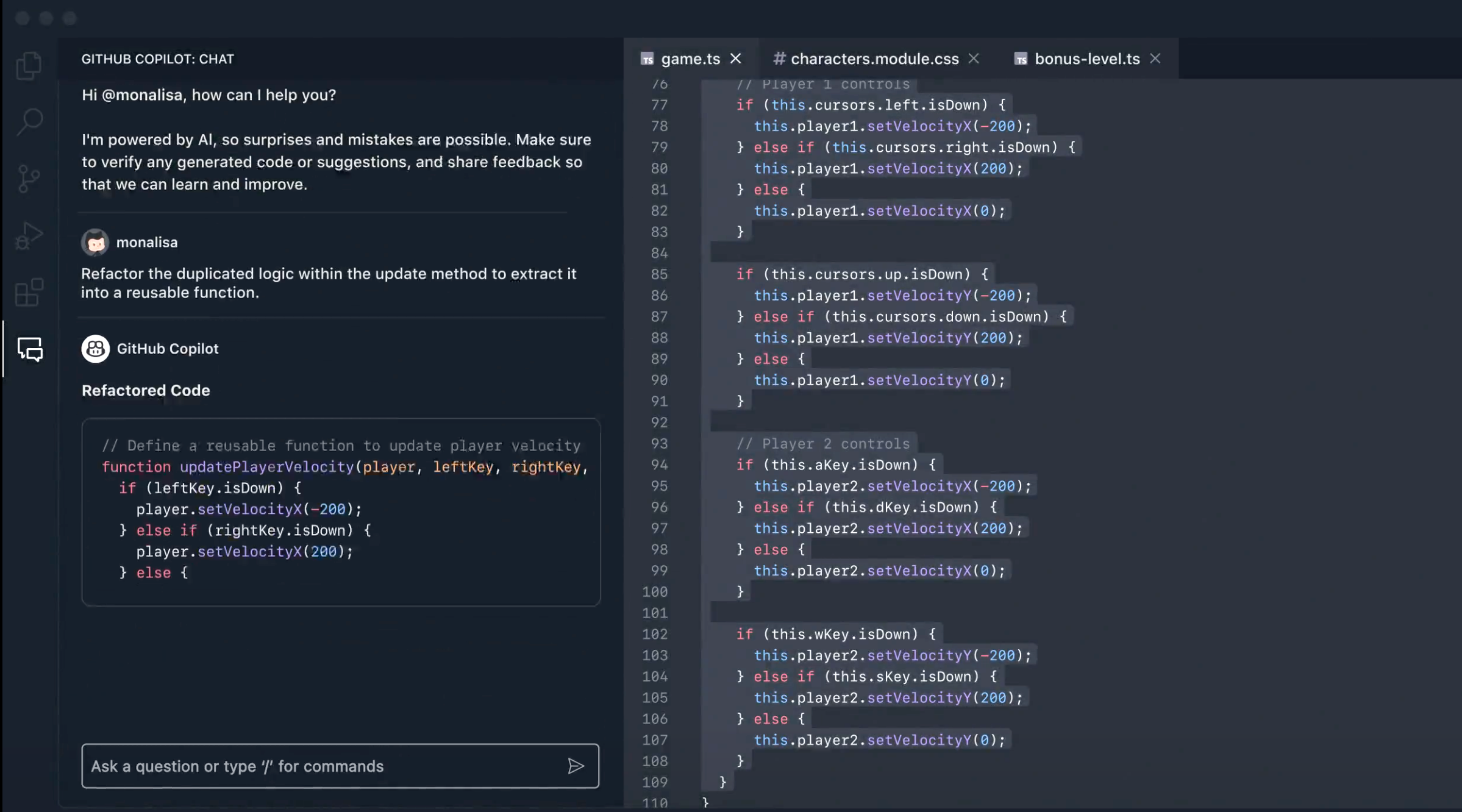
GitHub Copilot is the most affordable AI coding assistant and works natively with VS Code, JetBrains and other major IDEs. GitHub Copilot works best for developers learning more advanced skills or those who want AI to improve an existing workflow without changing editors.
Key Features
Price: Free: 25 credits/month | Pro: $20/month | Max: $200/month | Teams: $40/user/month
Best for: Developers who want agentic IDE capabilities, but a cheaper alternative to Cursor
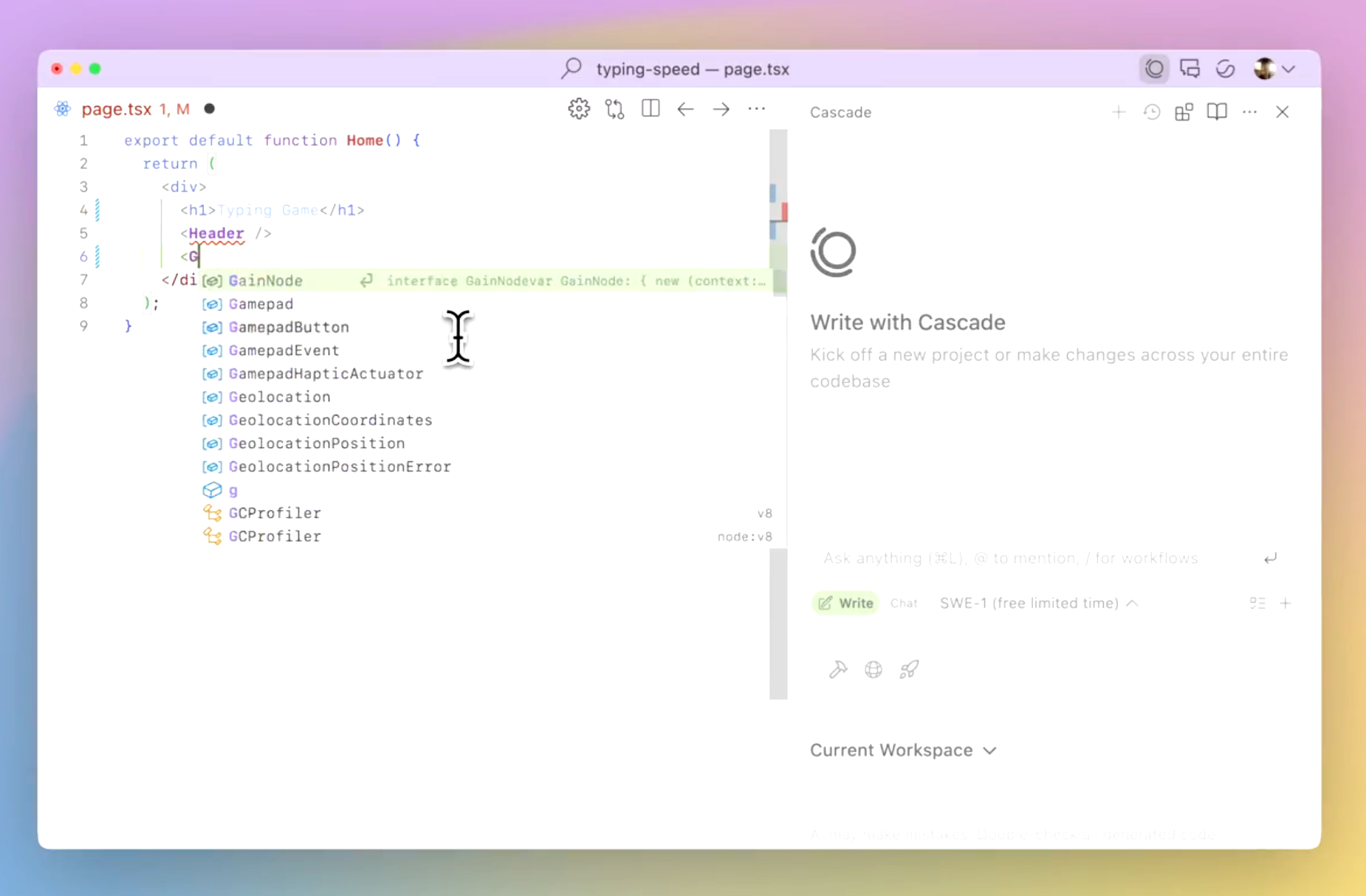
Windsurf, developed by Codeium, is an agentic IDE designed for AI-native deployment that offers the same functionalities as Cursor at a more attractive price point. The platform excels at multi-file edits and fixing linter issues, thanks to its Cascade agent, which also autonomously runs terminal commands using natural language. Windsurf comes with an in-house model: SWE-1.5 built for software engineering workflows.
Key Features
Price: Included with ClaudePro: $17/month | Max: $100/month | API access via Anthropic Console
Best for: Terminal-first agentic coding for devs that want deep control and MCP integrations
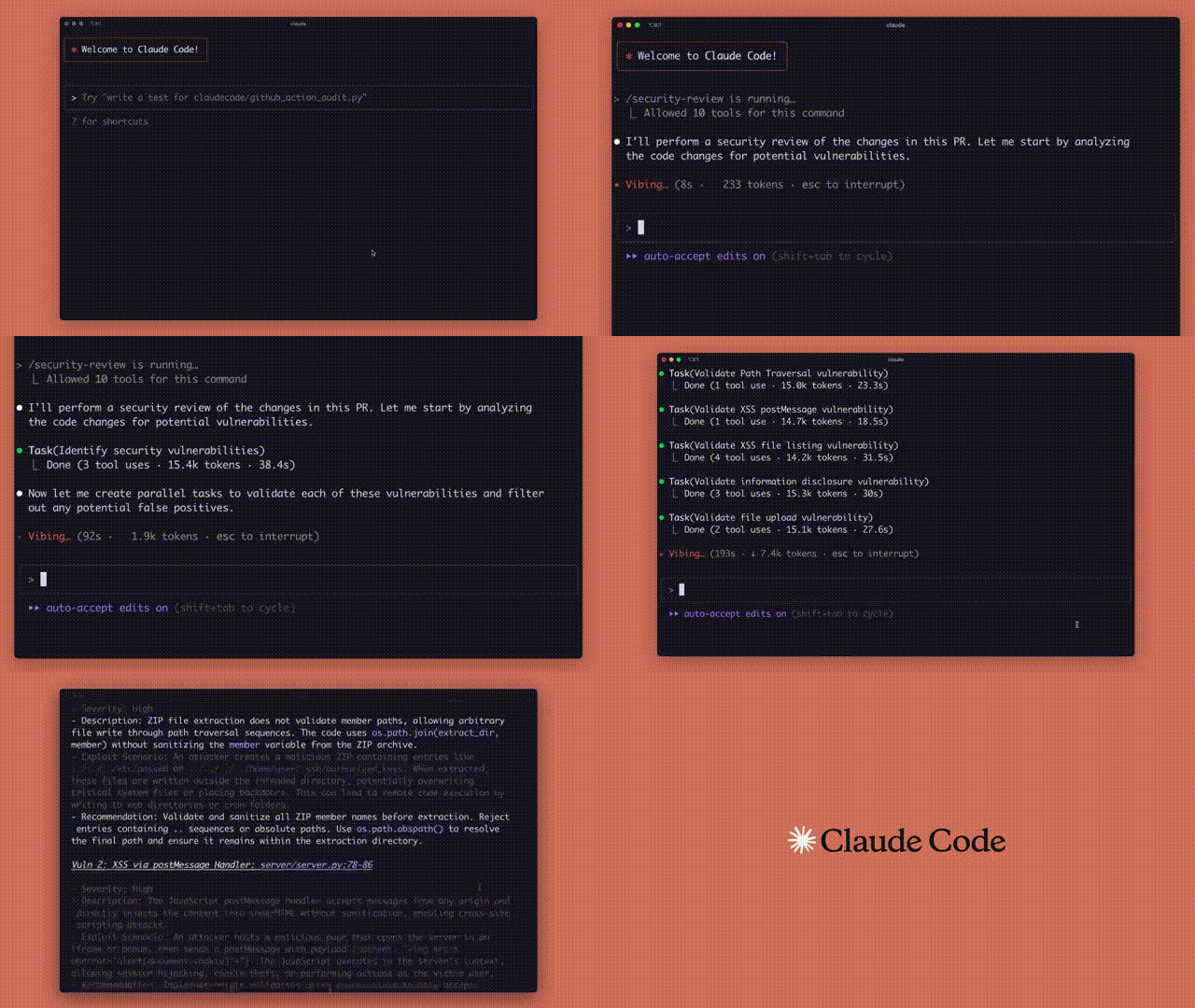
Claude Code is Anthropic's AI coding tool, designed to work directly in your terminal alongside any IDE. Unlike browser-based tools, Claude reads your codebase, executes bash commands, modifies files and manages git operations (all in auto mode) natively through natural language.
Claude Code also has a Code Review feature that uses multiple AI agents to catch bugs and rank findings on every pull request. It supports over 300 integrations through MCP, connecting to external tools like GitHub, Slack, PostgreSQL and Sentry from inside a coding session.
Key Features
Related Article: Vibe Coding: Reimagining Software Development for the Age of Agents
Price: Free tier with 300K daily token limit | Pro: $25/month | Teams: $30 | Enterprise: Custom
Best for: Rapid full-stack prototyping and quick demos
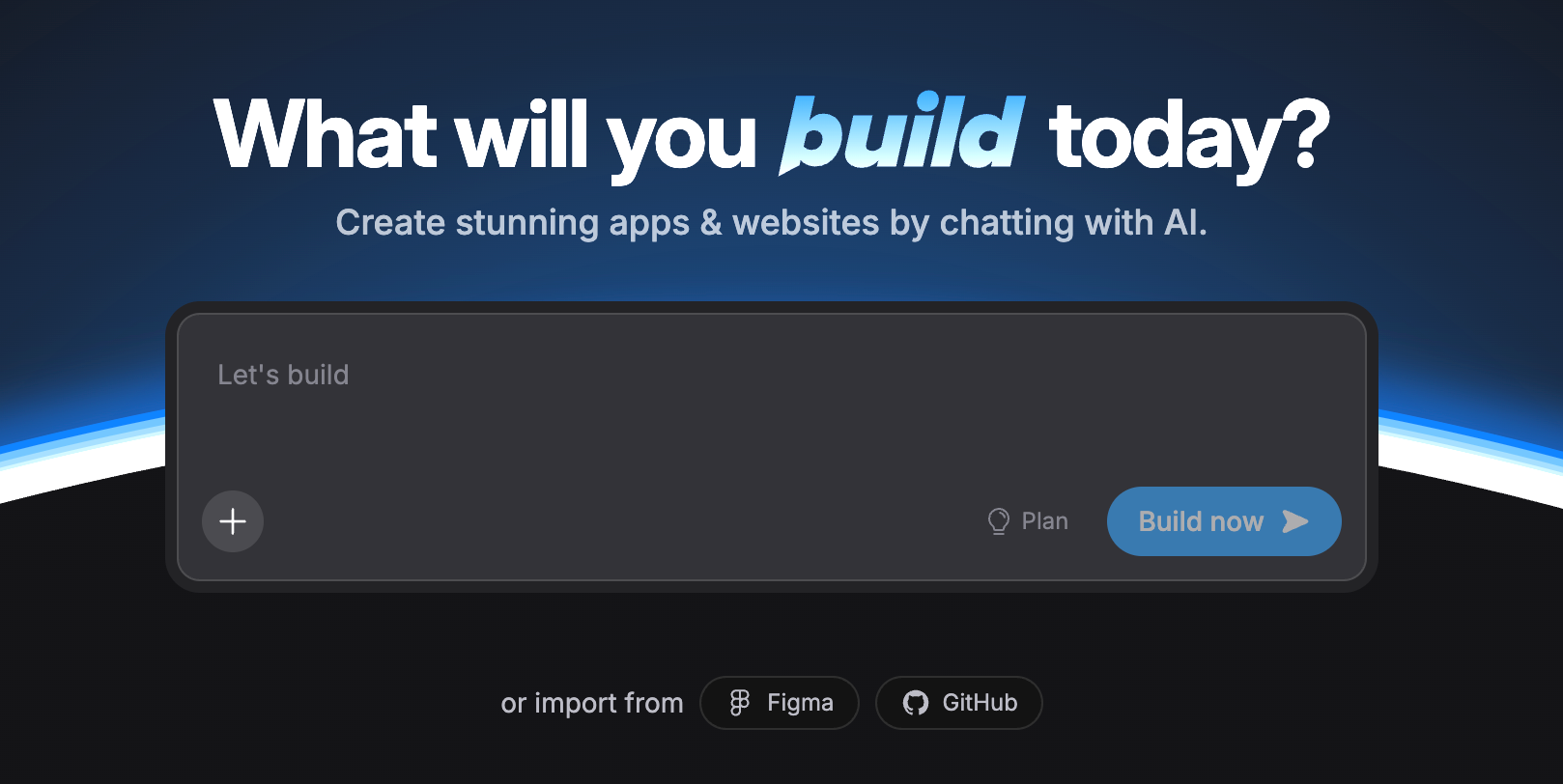
Bolt.new by StackBlitz excels at generating full-stack applications from prompts with a built-in browser preview. Of all the full-stack AI vibe coding platforms, Bolt.new is usually the quickest to get you a working prototype. However, Bolt’s major downside is code quality, as it’s only best used for code idea validation and not production-ready code.
Key Features
Price: Free: $5 credits/month | Team: $30/user/month | Business: $100/user/month | Enterprise: Custom
Best for: React and Next.js developers building UI components
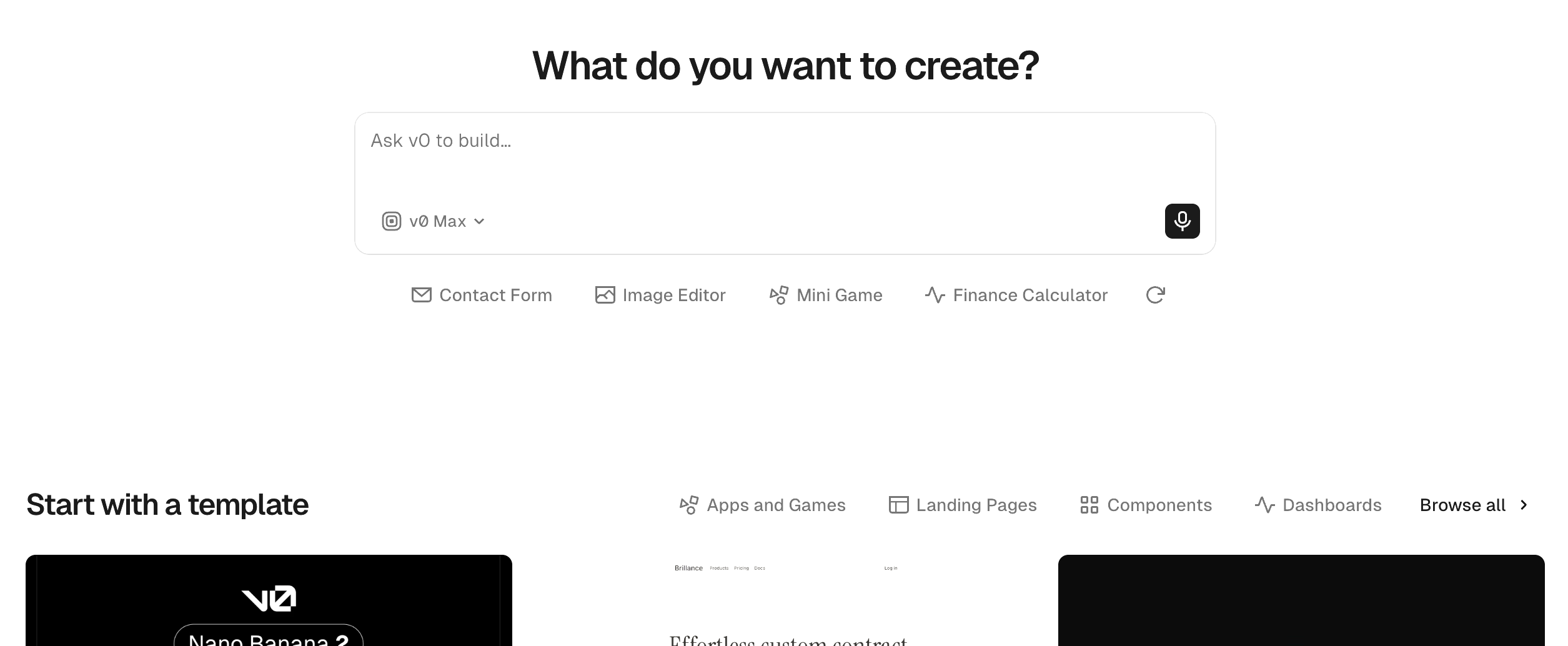
v0 fills a niche, which is generating clean React components using Tailwind CSS and shadcn/ui. The platform is not a full-stack builder, and doesn’t have a backend, authentication or database logic. However, it has some of the cleanest production-ready UI code of all the platforms here.
v0’s Design Mode, added in mid-2025, allows you to refine spacing, colors and layouts, and the platform will visually handle the underlying code for you. For teams already using Next.js and deploying on Vercel, the path from prompt to deployed component is about as direct as it gets.
Key Features
Price: Free: Limited access| Go: $8/month | Plus: $20/month | Pro: From $100/month | Business: $20/user/month | Enterprise: Custom
Best for: Teams and developers who want a cloud-based agent to handle parallel, long-running coding tasks
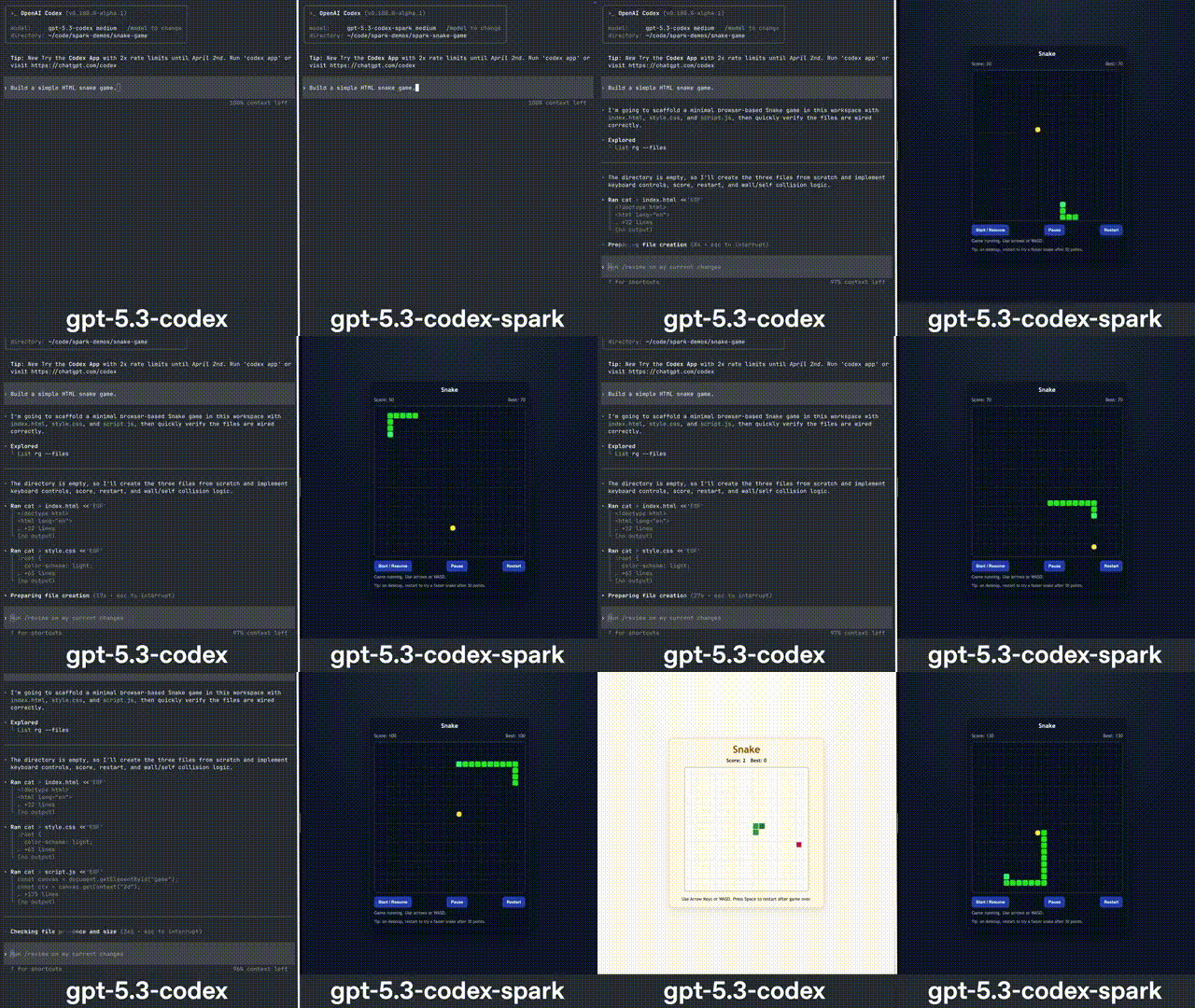
OpenAI’s Codex is a cloud-based software engineering agent that works on multiple tasks in parallel, such as writing features, fixing bugs and proposing pull requests. Each of these functions is in its own sandboxed environment with access to your repository.
Unlike inline completions, Codex performs whole tasks end-to-end lasting 1 to 30 minutes. It can read and modify files, run tests and make commits without additional prompts.
Key Features
Related Article: Why AI-Powered Vibe Coding Is the New Product Marketing
Given the number of vibe coding tools vying for your attention, a couple of practical questions will help you quickly narrow down the field:
No one AI vibe coding platform does everything well. Good development teams frequently use two or three, for example: v0 for prototype, Cursor or Claude Code for the production build. The quickest path to a working product depends on who is doing the building, what they are building and how much manual control they want over the output.
It’s also worth noting that vibe coding must be piloted thoughtfully and governed diligently, particularly with production systems touching real user data.

Nelly Njeri is an enterprise AI journalist and researcher with more than nine years of experience covering the technologies, economics, markets and risks shaping the enterprise artificial intelligence ecosystem.
Her reporting spans the AI infrastructure powering enterprise deployment, from chip makers and inference hardware to head-to-head platform testing of tools like Cursor, GitHub Copilot and Claude Code.